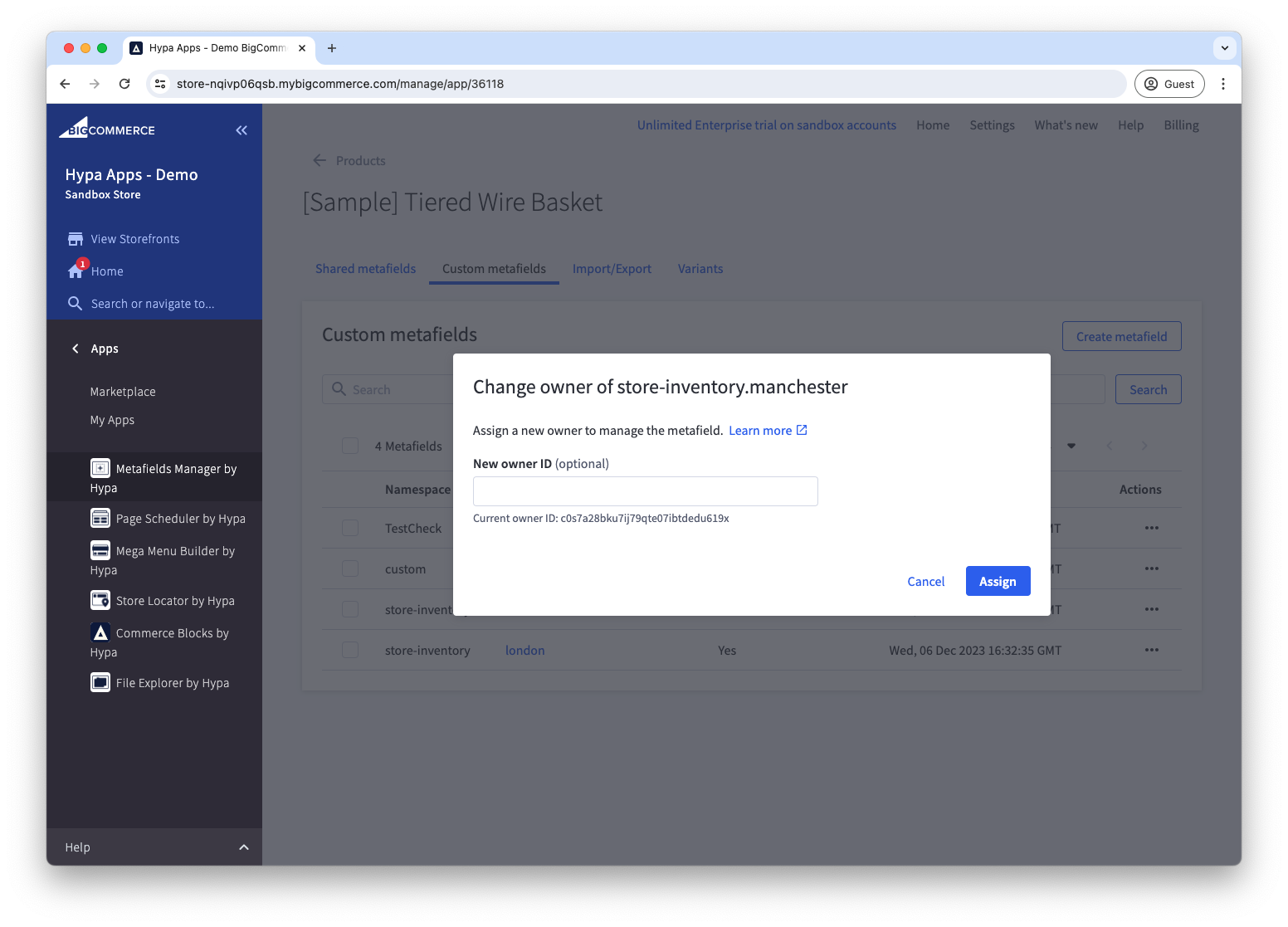
Reassign metafield owner
Changes to metafields are restricted by BigCommerce's metafields permission system. Only the app or API account that created a metafield can delete it or change its namespace, key, or permission set.
Metafields Manager can override the permissions system, meaning you can edit any metafield, regardless of the owner.
You may need to change a metafield's owner so another app or API account can manage it. For example, a back-office integration may need to delete a metafield that was created elsewhere.
Metafields that were created by duplicating a product have the owner "MERCHANT" which further restricts them. They can only be deleted by Metafields Manager or another app with full access to override metafields permissions.
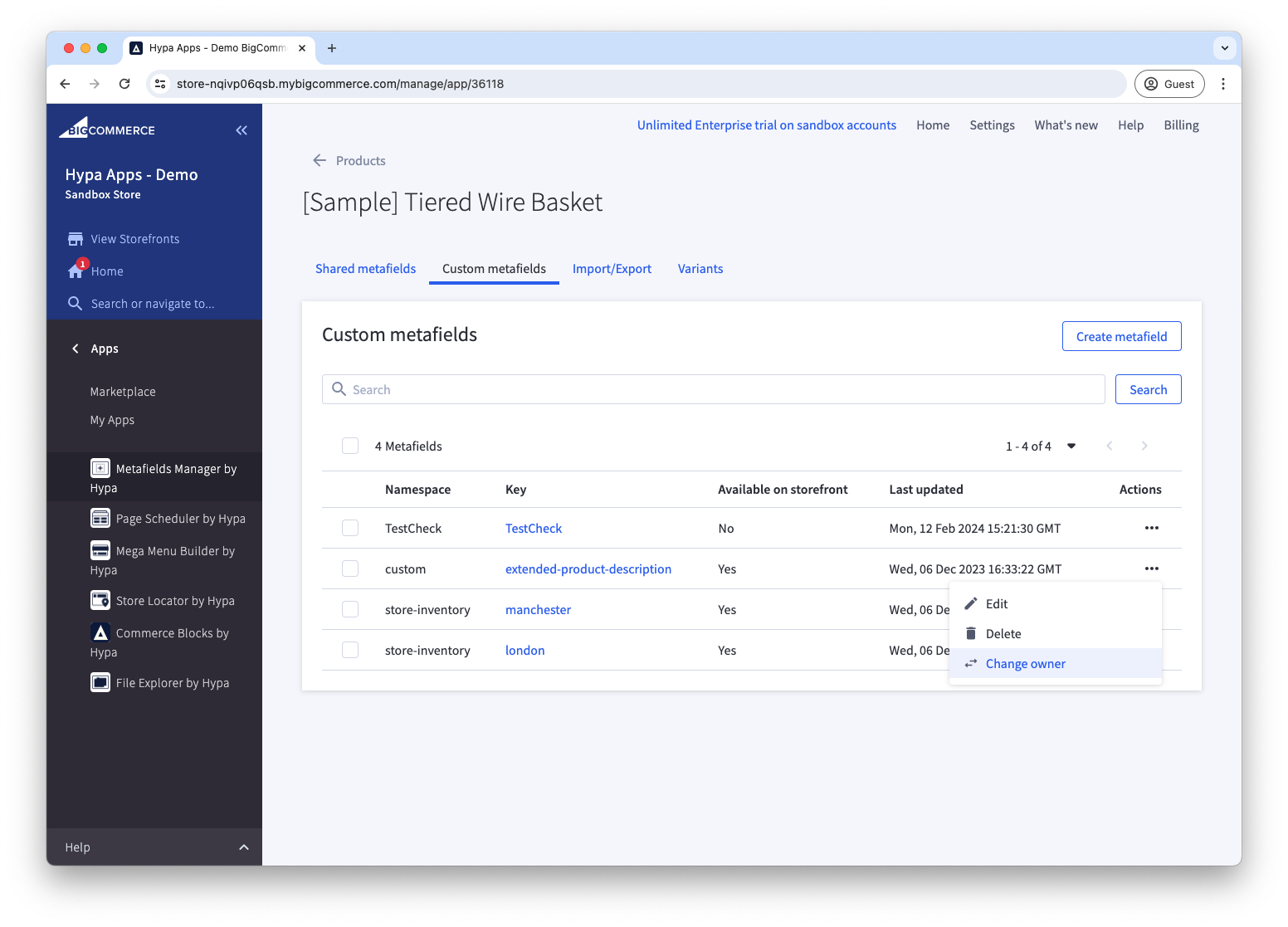
Find the metafield in Metafields Manager and choose Change owner from the actions menu.
Then, copy and paste the API client ID of the App or API account that you wish to own the metafield.