Quick start
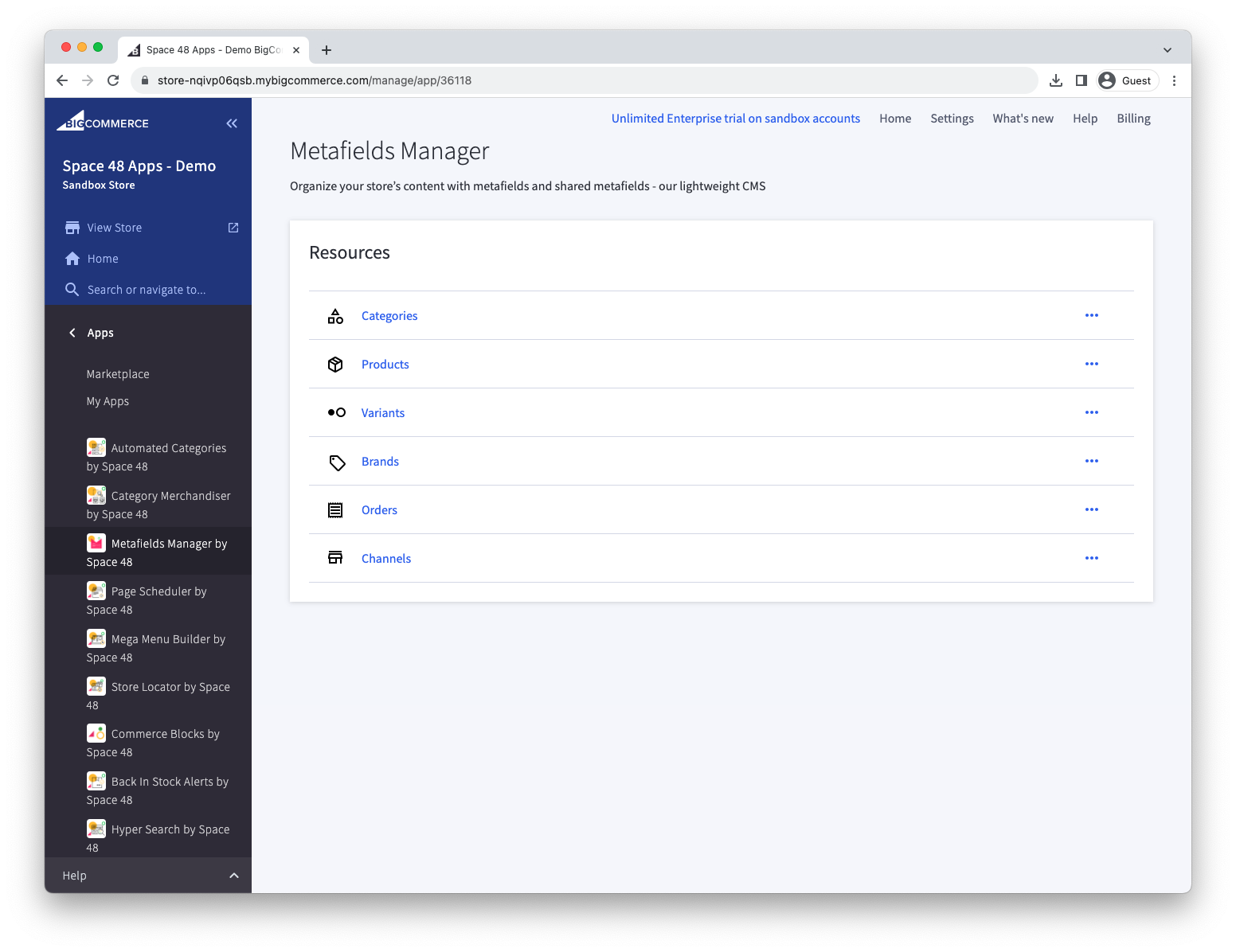
Choose metafield type
Choose the resource whose metafields you want to manage: a category, product, product variant, brand, or order.
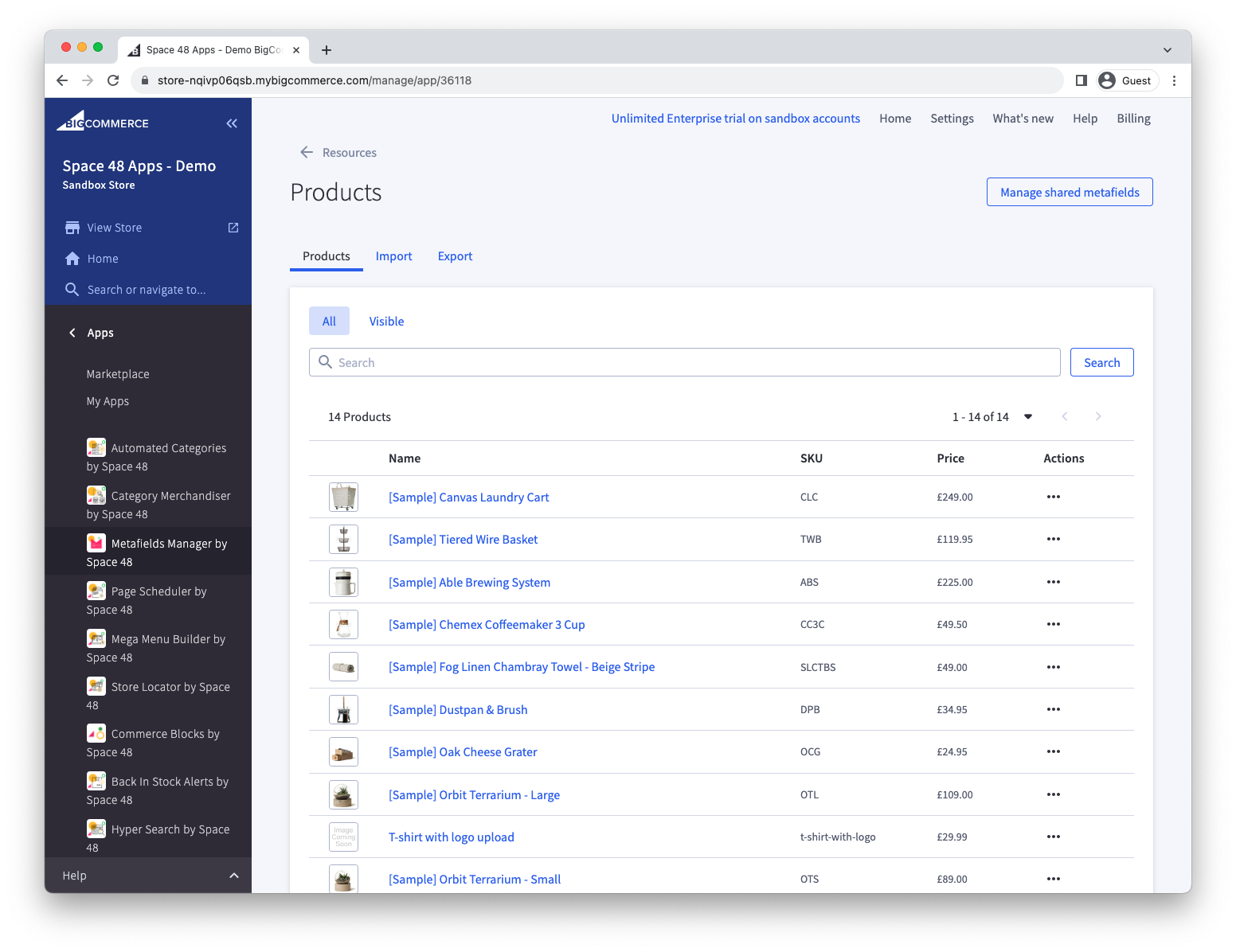
Find an item
For example, if you chose Products, search for the product whose metafields you want to manage.
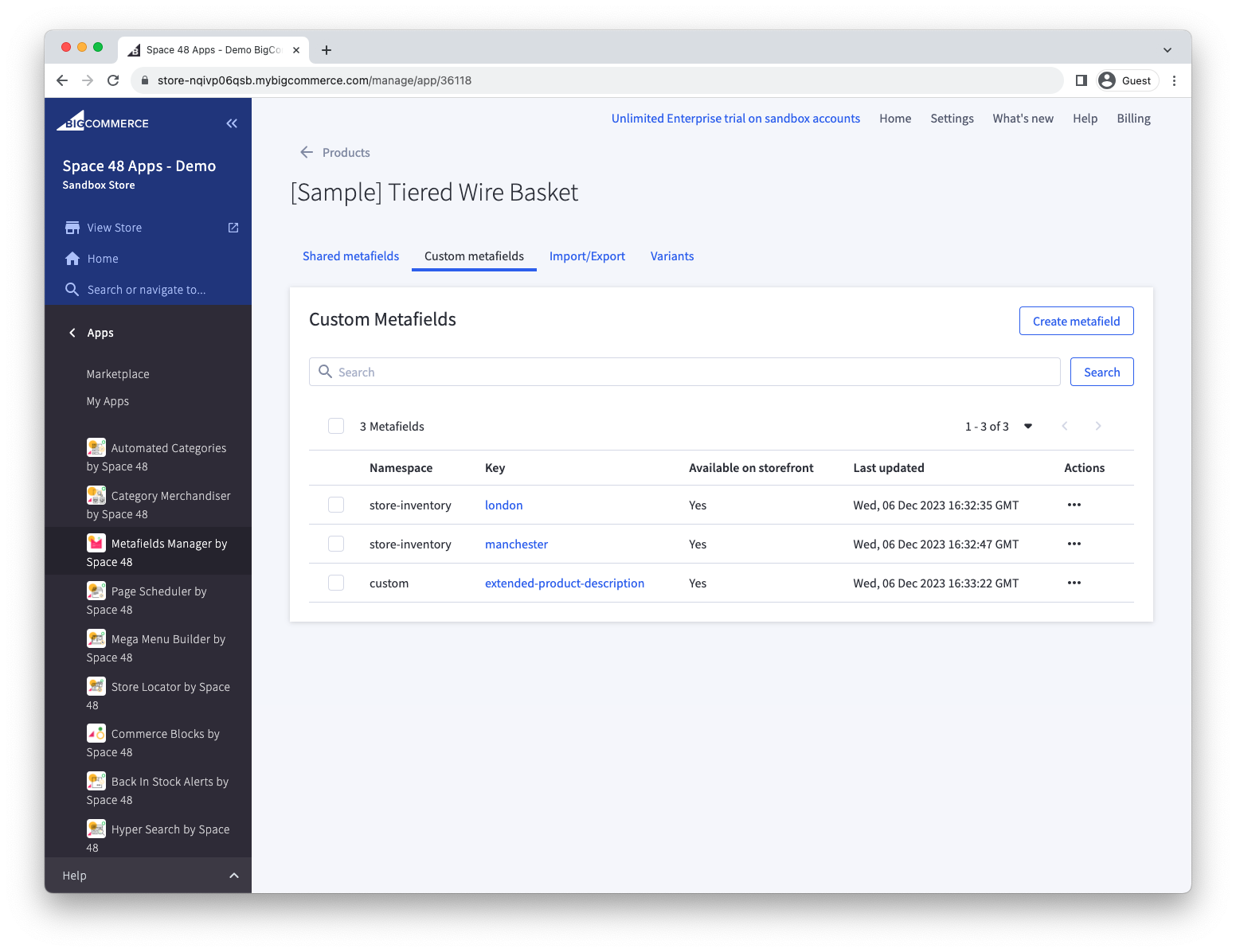
Choose metafield
In the Custom metafields tab, find the metafield you want to view or edit.
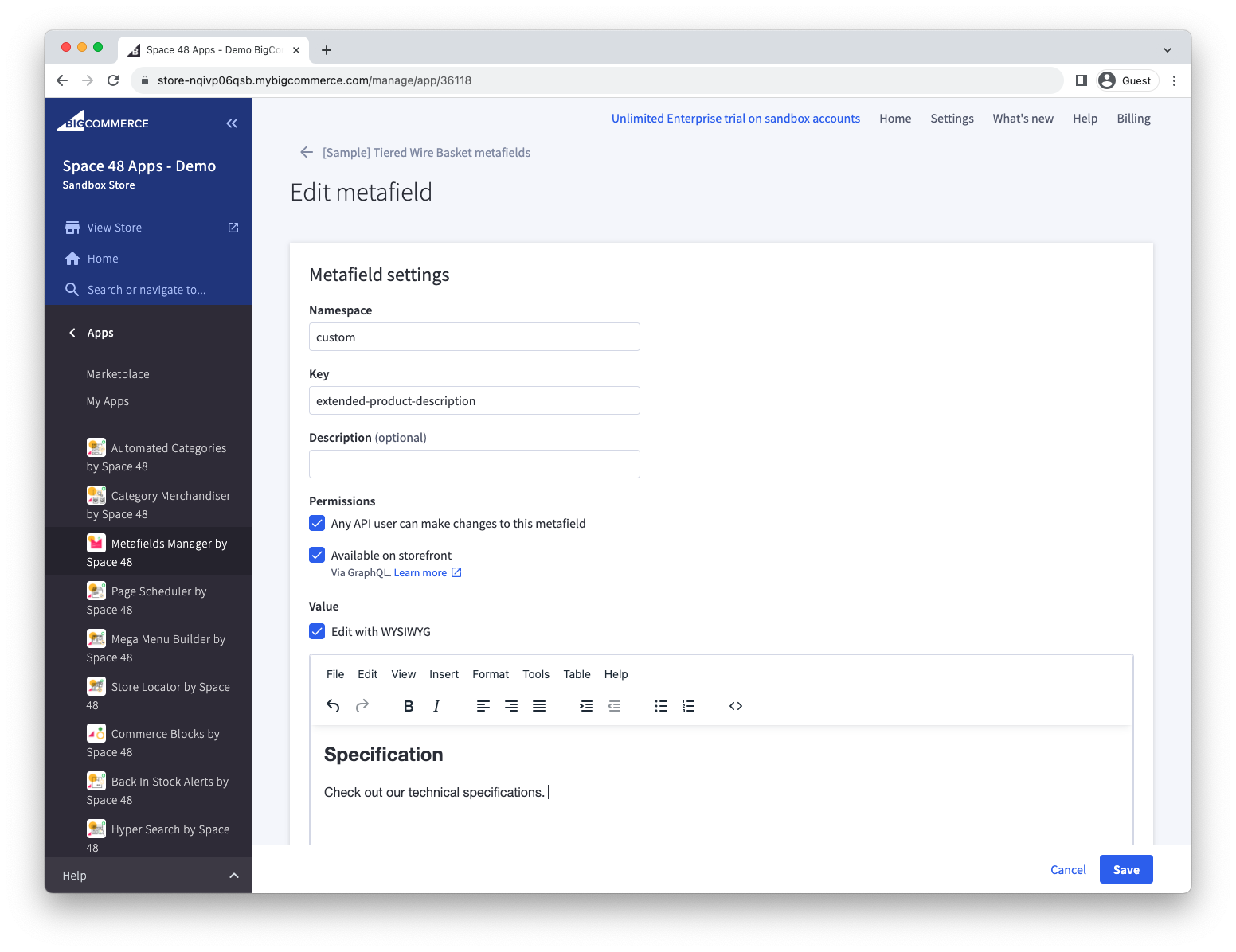
Edit metafield
Update the metafield value using the rich text editor, or change its permissions to make it available on the storefront.
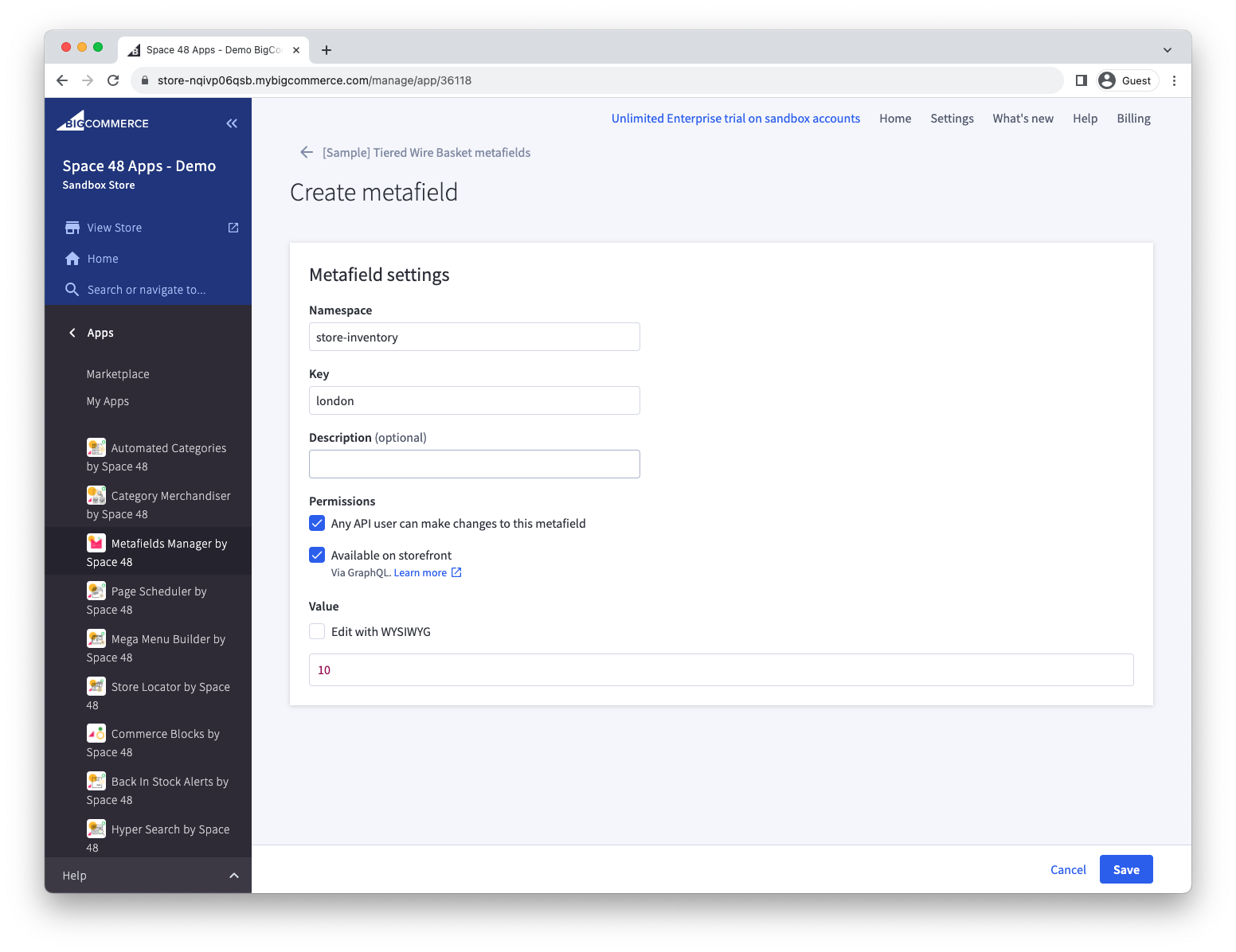
Create metafield
Alternatively, create a new metafield.
Dive deeper
Now that you know the basics, explore these features:
- Make quick edits to metafields directly from the Products and Orders admin list views.
- Manage metafields in bulk with import/export.
- Simplify metafield management with shared metafields.
- Organise your content with new content types using custom resources.
- Follow the developer guide to using metafields on the storefront.