Install guide
Our app supports Single-click install so you’ll be up and running in 30 seconds without any custom code to install.
Start the installation
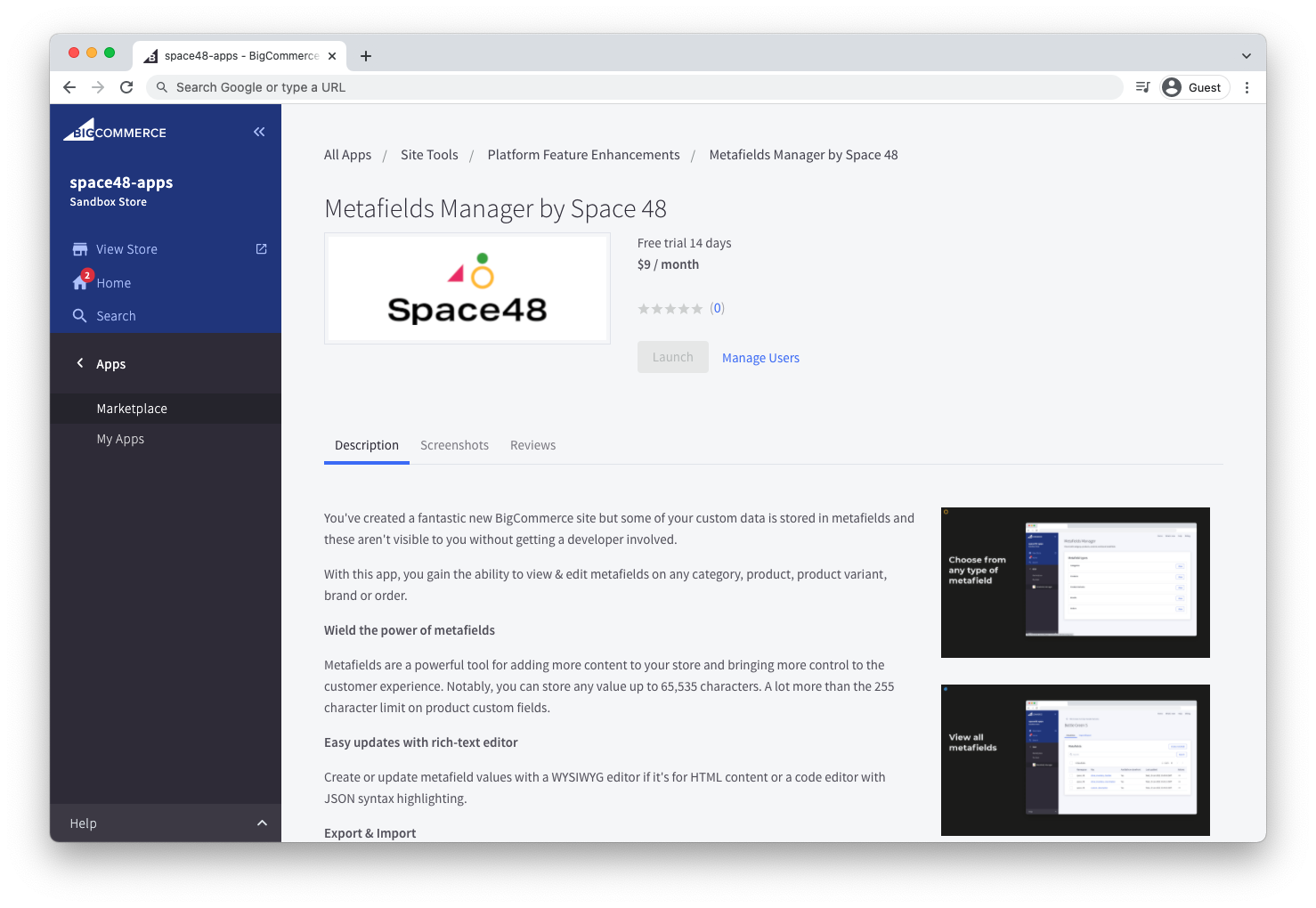
Find Metafields Manager in the BigCommerce marketplace and follow the Get App link to open it in your store. When you are ready, click Install.
Review permissions
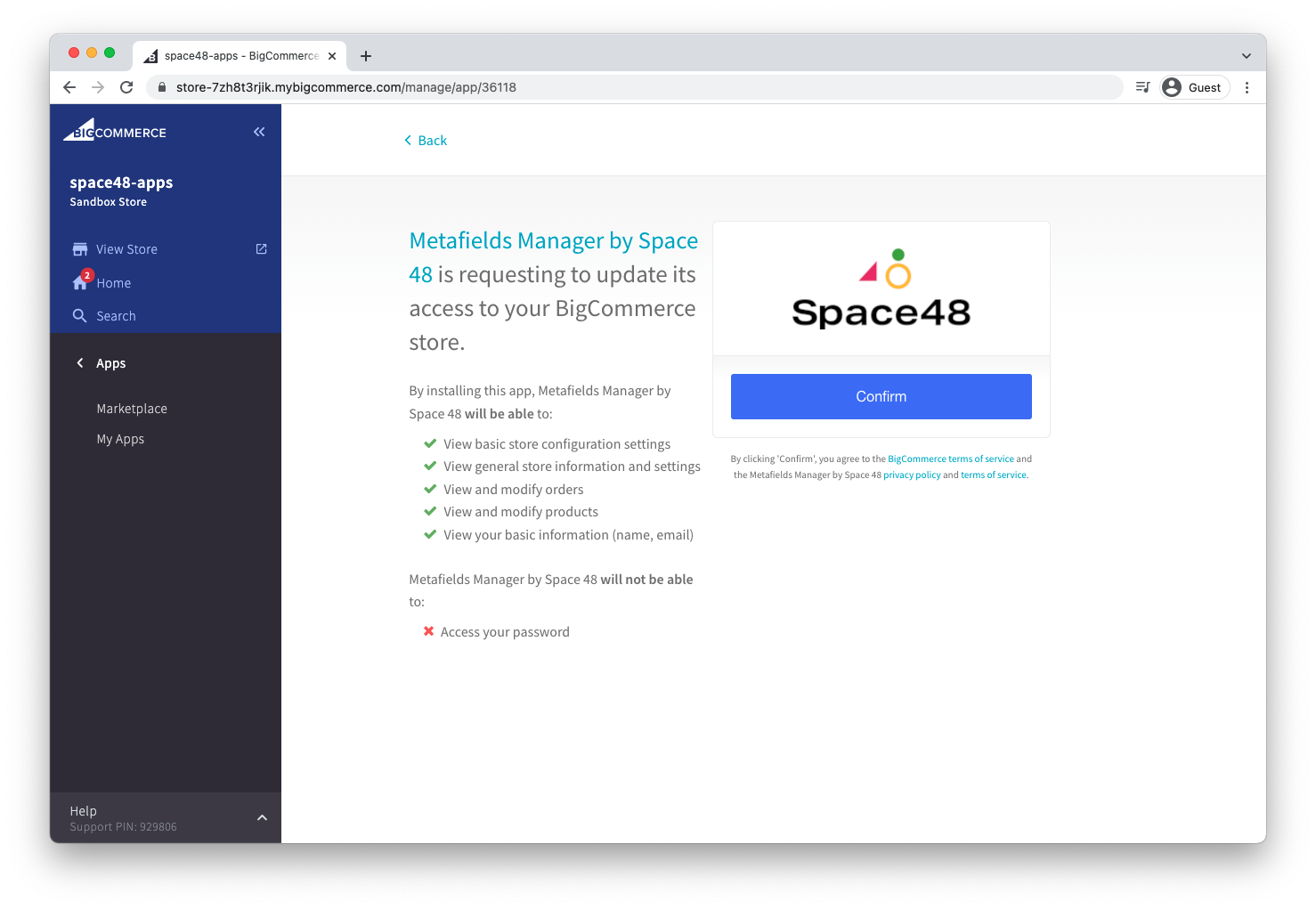
Review the permissions you are granting. We ask only for the access needed to support the app, such as store information and products. Then choose Confirm.
You are all set
You should now see your store's resources and can create your first metafield. See the quick start guide for more information.